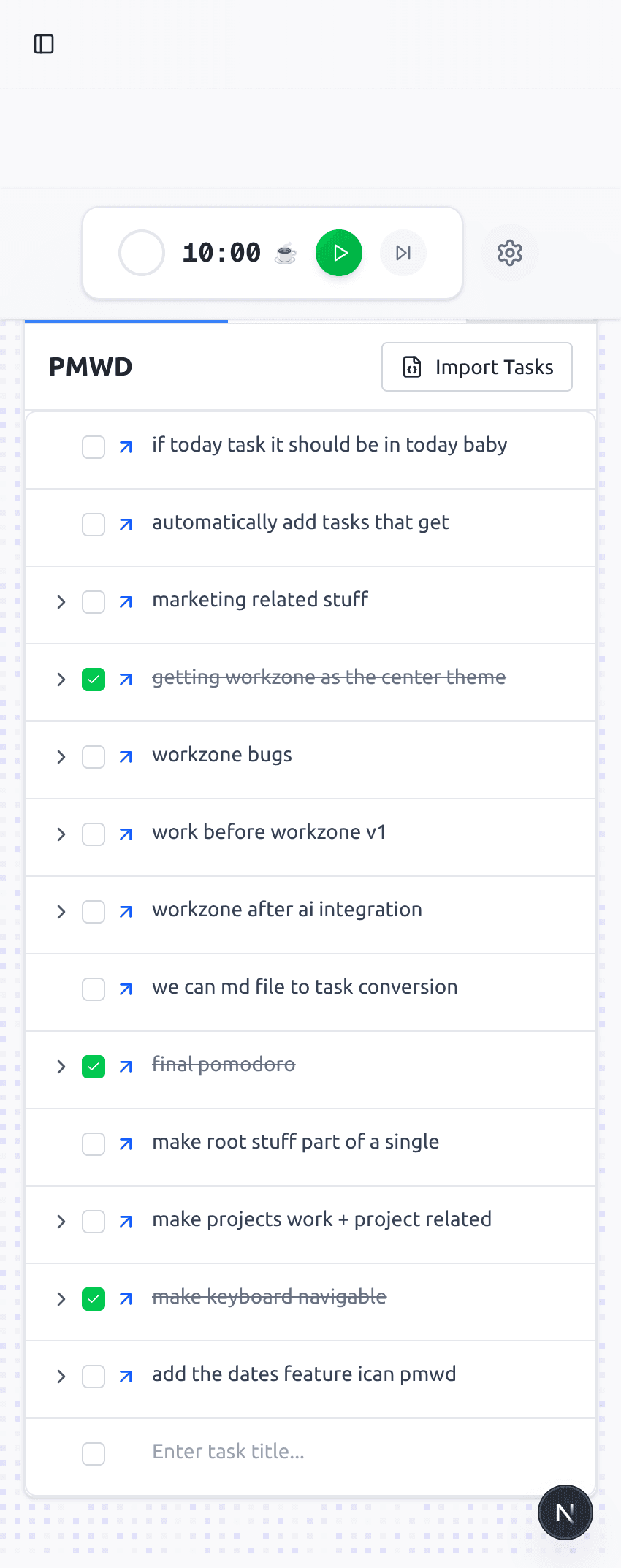
Smart Pomodoro Timer
Smart Pomodoro Timer: Focus Sessions Without Leaving Your Task System
Plan focused sessions from the same workspace where tasks, date views, and keyboard navigation already live.
About this feature
The rebuilt Plan My Workday keeps focus timing inside the same workspace as the task tree, date views, and keyboard navigation. The timer is part of the app people can use today, without claiming a separate automation layer.
Key benefits
Keep timing beside the task system you are already using
Reduce context switching between timer and task manager
Use shorter or longer work blocks based on the type of work
Return to the task tree when the session ends
How it works
Step 1
Open the workspace
Start from the same place you manage projects, nested tasks, and date-focused views.
Step 2
Work in a clear block
Use the planned block to reduce decision fatigue and keep attention on one unit of work.
Step 3
Return to the plan
After the session, continue from the same workspace instead of switching tools.
"The value is not just the timer. It is having focus work tied to the plan I already trust."